

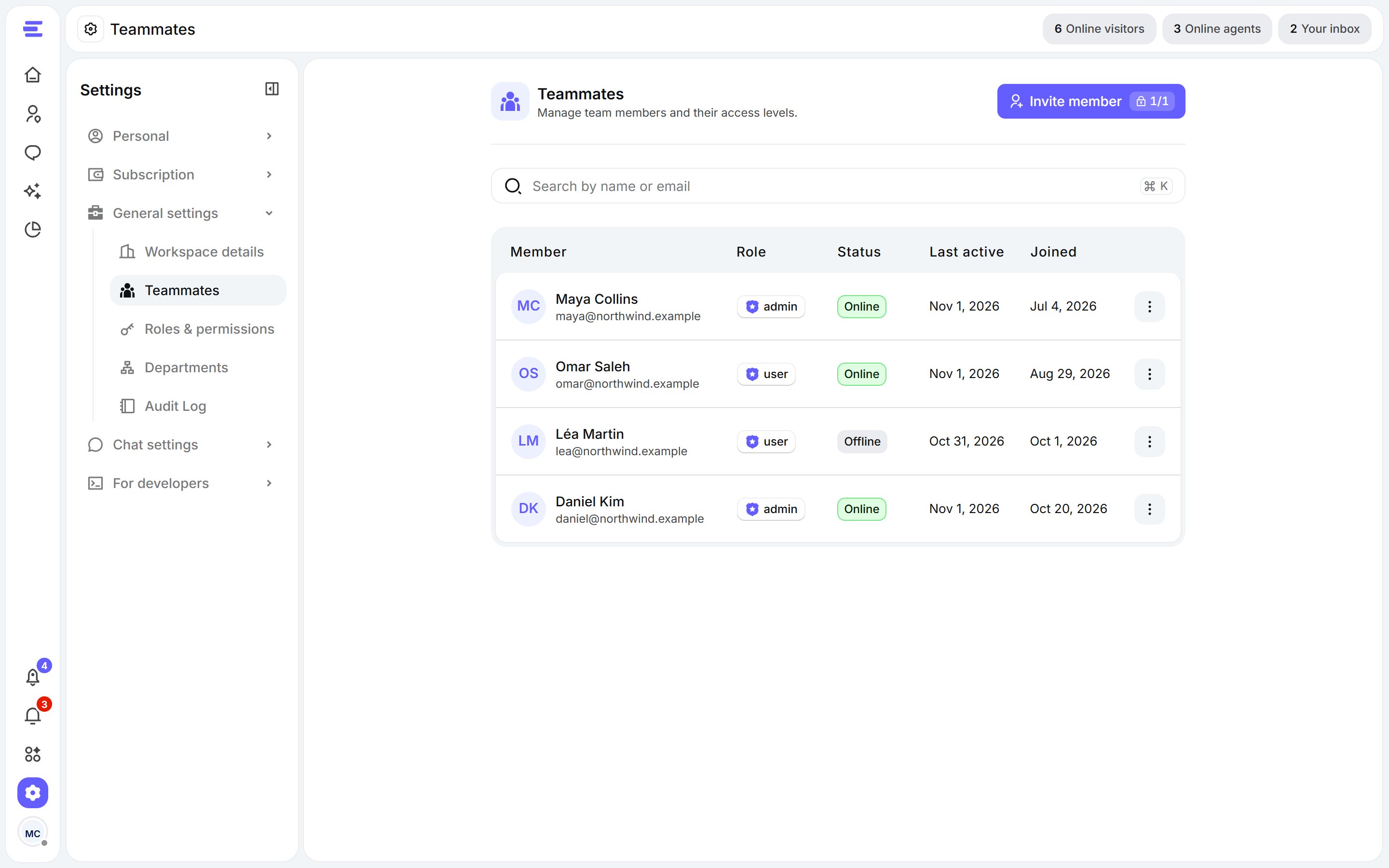
Settings › Teammates.
Invite teammates
1
Click Invite member
On Settings › Teammates, click Invite member.
2
Add emails and roles
Enter each person’s email address and pick a role for them. Click Add more to invite several people at once.
3
Send
Click Send Invite. Each person gets an email with a link to join; they show as Invited until they accept.
How many teammates you can have depends on your plan. When you’ve reached the limit, the button reads Upgrade to invite.
What invited teammates see
Teammates join with their own account: they only fill in their own profile, and land in your workspace with the access their role gives them. See Create your account.Manage teammates
- Search and Filter the list to find someone.
- Edit Agent to change a teammate’s first name, last name, display name, role or department.
- Remove Teammate to take away their access to the workspace.