

Quick responses
Quick responses are saved replies your team inserts from the composer by typing their shortcut. Manage them for everyone in Settings › Quick responses.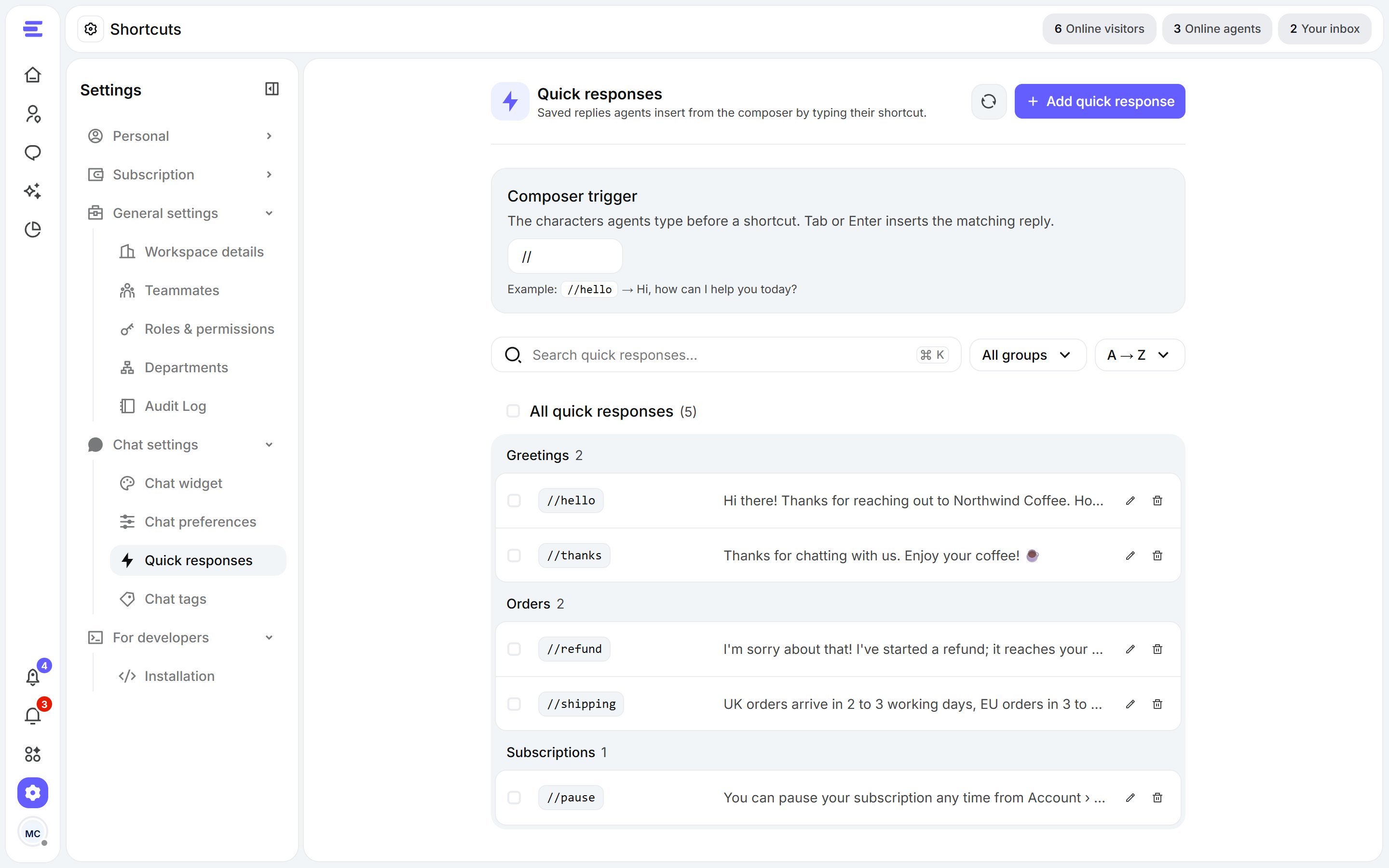
Settings › Quick responses.
Create one
- Click Add quick response.
- Set its shortcut, write the message, and optionally put it in a group so it’s easier to find.
- Click Create quick response.
Composer trigger
The composer trigger is what agents type before a shortcut: // by default. Change it at the top of the page if // clashes with something your team types often.Tags
Tags are labels your team puts on chats to sort and report on them, like billing, bug or feedback. Manage them in Settings › Chat tags.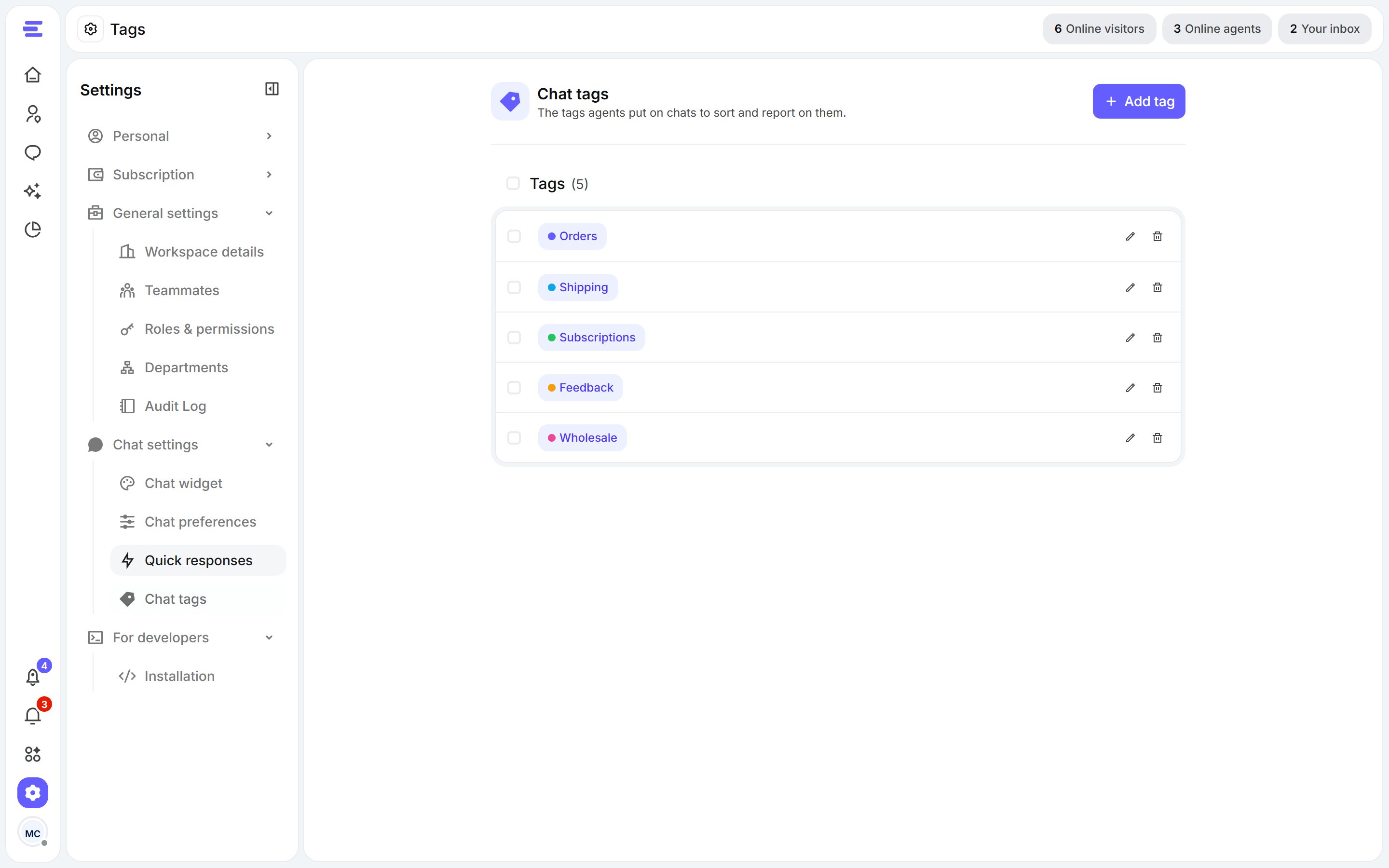
Settings › Chat tags.
- Click Add tag, name it and click Create tag.
- Edit or remove a tag from its row.