

Links
Add web pages for Aura to read: your website, help center or any public page.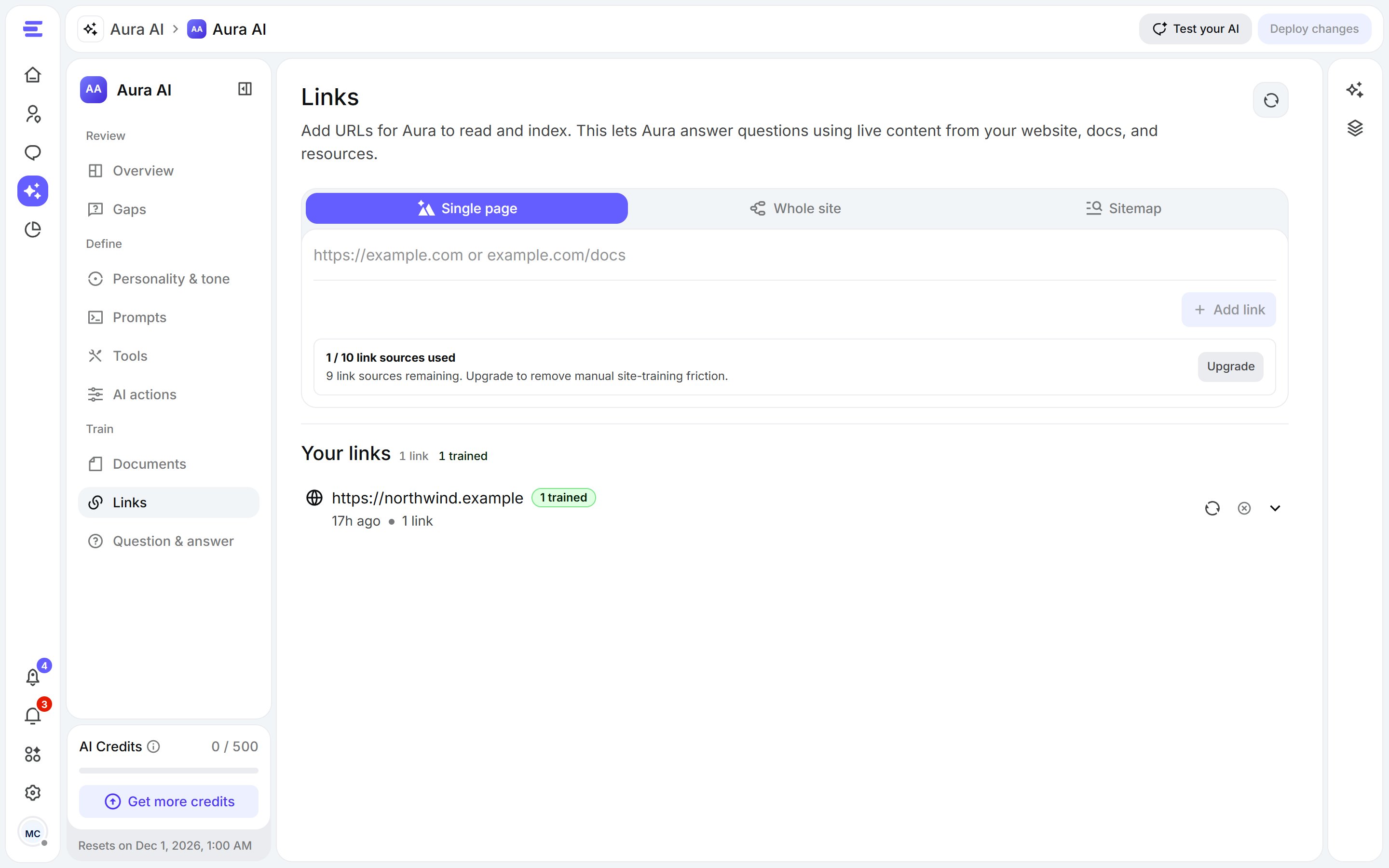
Links: add one page, or discover every page of a site.
1
Choose what to add
In the bar at the top, pick Single page to add one URL, or Whole site / Sitemap to discover many pages at once.
2
Paste the address
Paste the URL and click Add link (one page) or Discover links (a site). Discovery shows the pages it finds as it goes.
3
Train
Click Train your AI agent. Each link shows whether it’s trained, training or untrained.
Discovery settings
Discovery settings
Open Configure before discovering to set the discovery method (crawl or sitemap), the max pages and max depth, and paths to include or exclude (comma-separated, for example
/blog, /careers).Documents
Upload files Aura should learn from: manuals, guides, price lists, policies.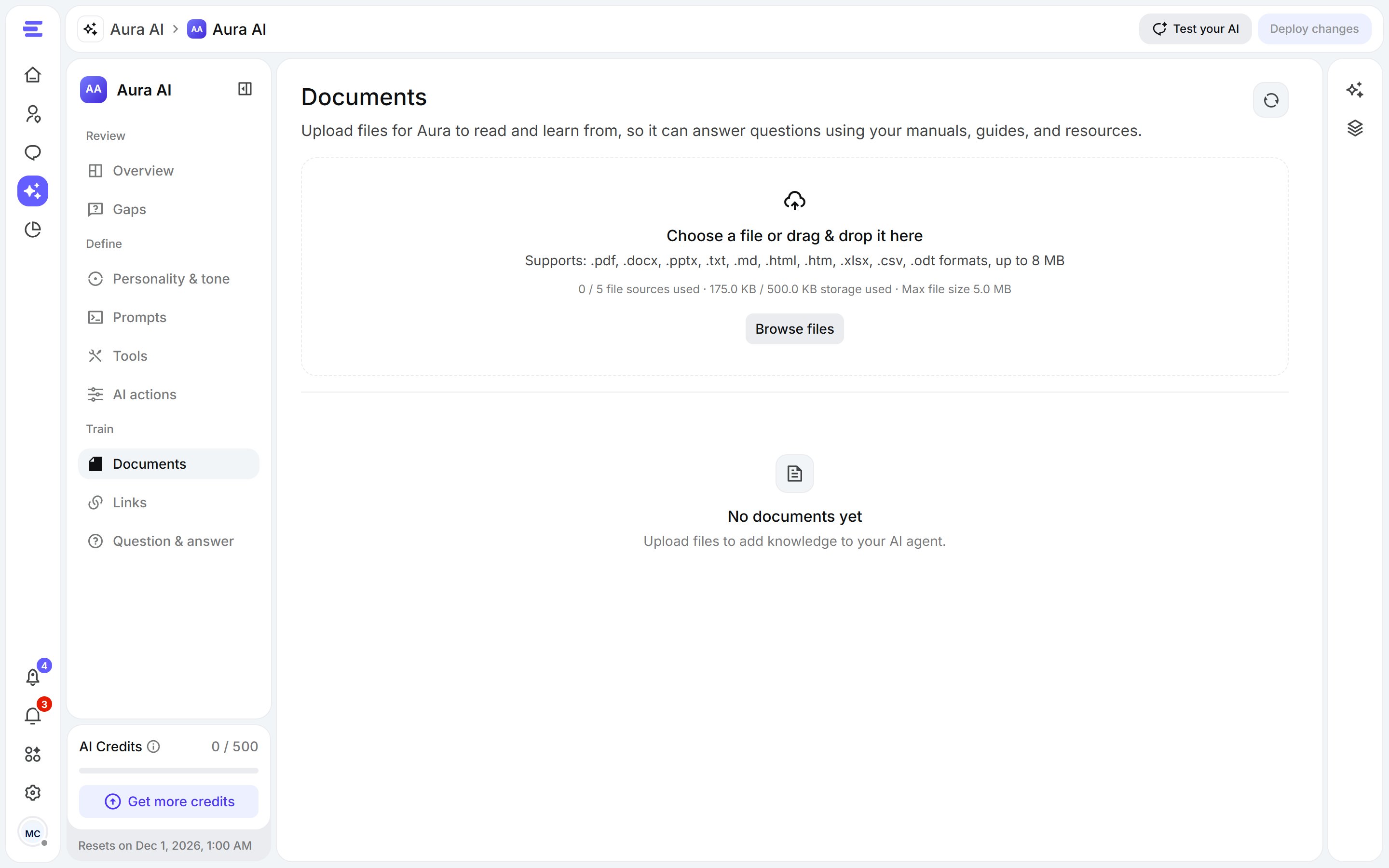
Documents: drag files in, or browse.
- Drag a file onto Choose a file or drag & drop it here, or click Browse files.
- Supported formats: .pdf, .docx, .pptx, .txt, .md, .html, .htm, .xlsx, .csv, .odt, up to 8 MB each (your plan may set a lower limit).
- Then click Train your AI agent.
Question & answer
Write the exact answer Aura should give to a question. Use it for anything that must always be answered the same way: refunds, opening hours, prices.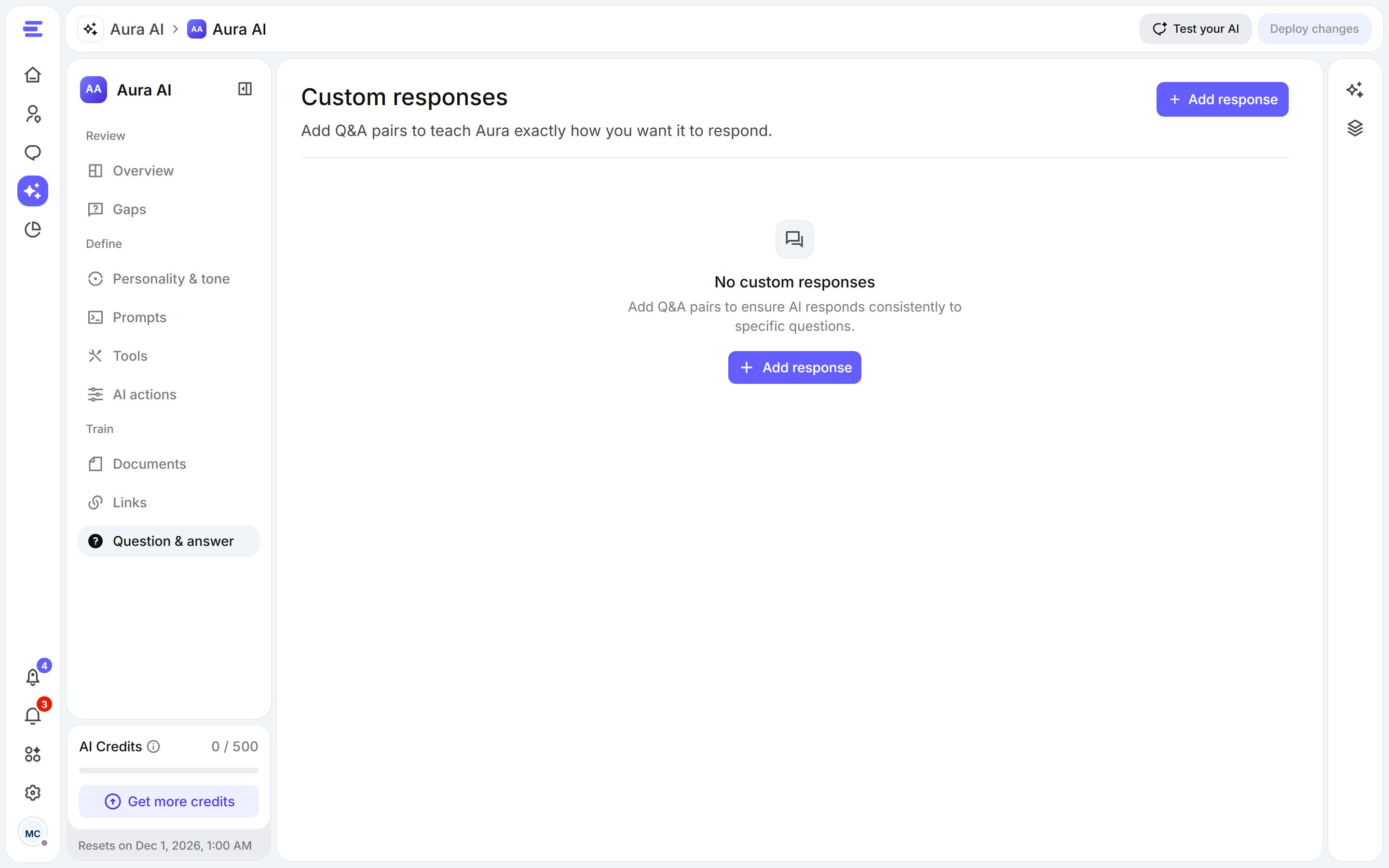
Question & answer: your own replies, word for word.
- Click Add response.
- Write the question and the answer, then Save changes.
- New and edited pairs show Training required until you click Train your AI agent.
Training
- Train your AI agent trains every new or changed source. While it runs, the button shows the progress and lets you cancel training.
- If some sources fail, the menu says how many and offers Retry failed sources.
- Training can’t start while link discovery or a deletion is still running; it becomes available when that finishes.