

Personality & tone
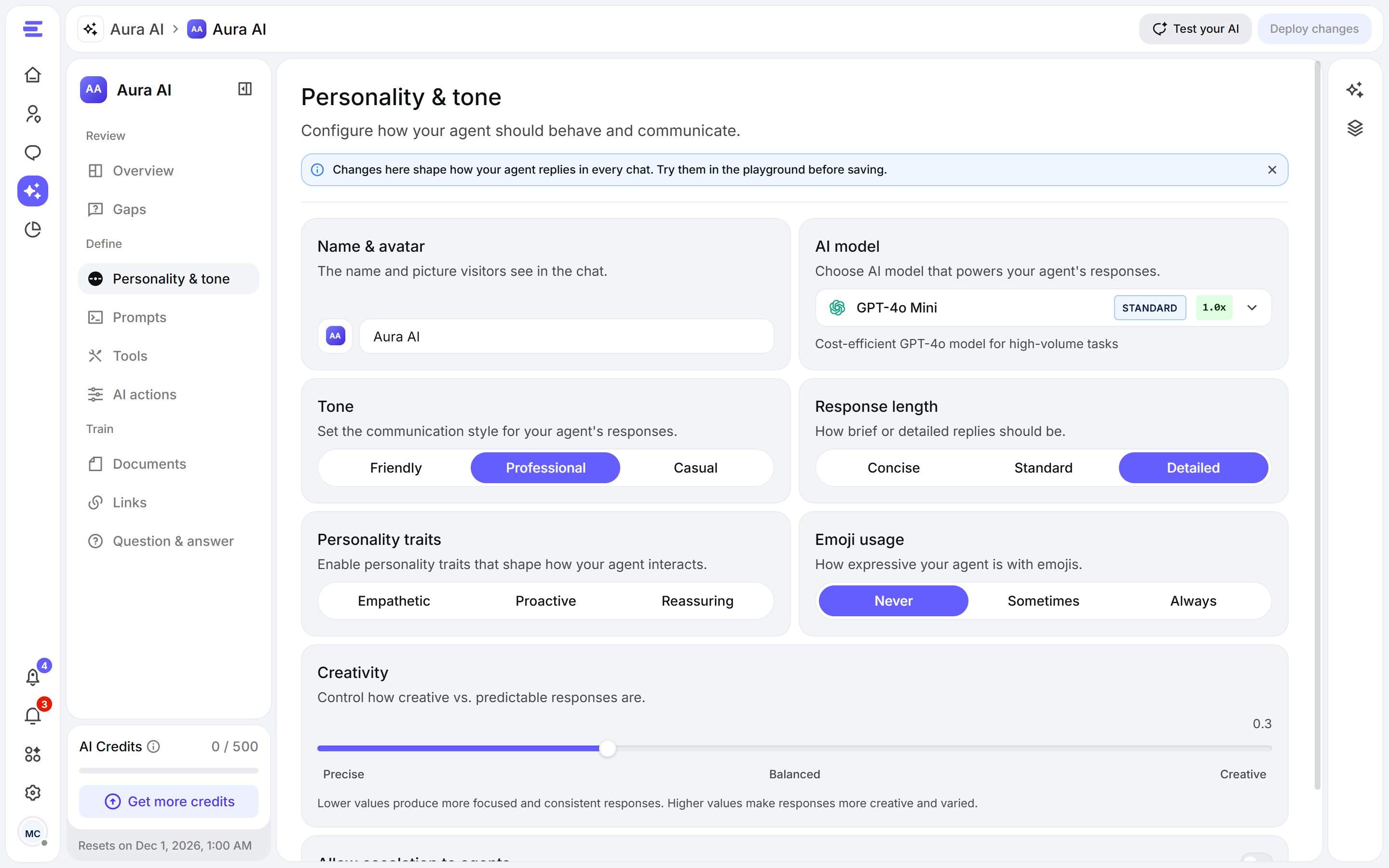
Personality & tone: how Aura presents itself and writes.
Prompts
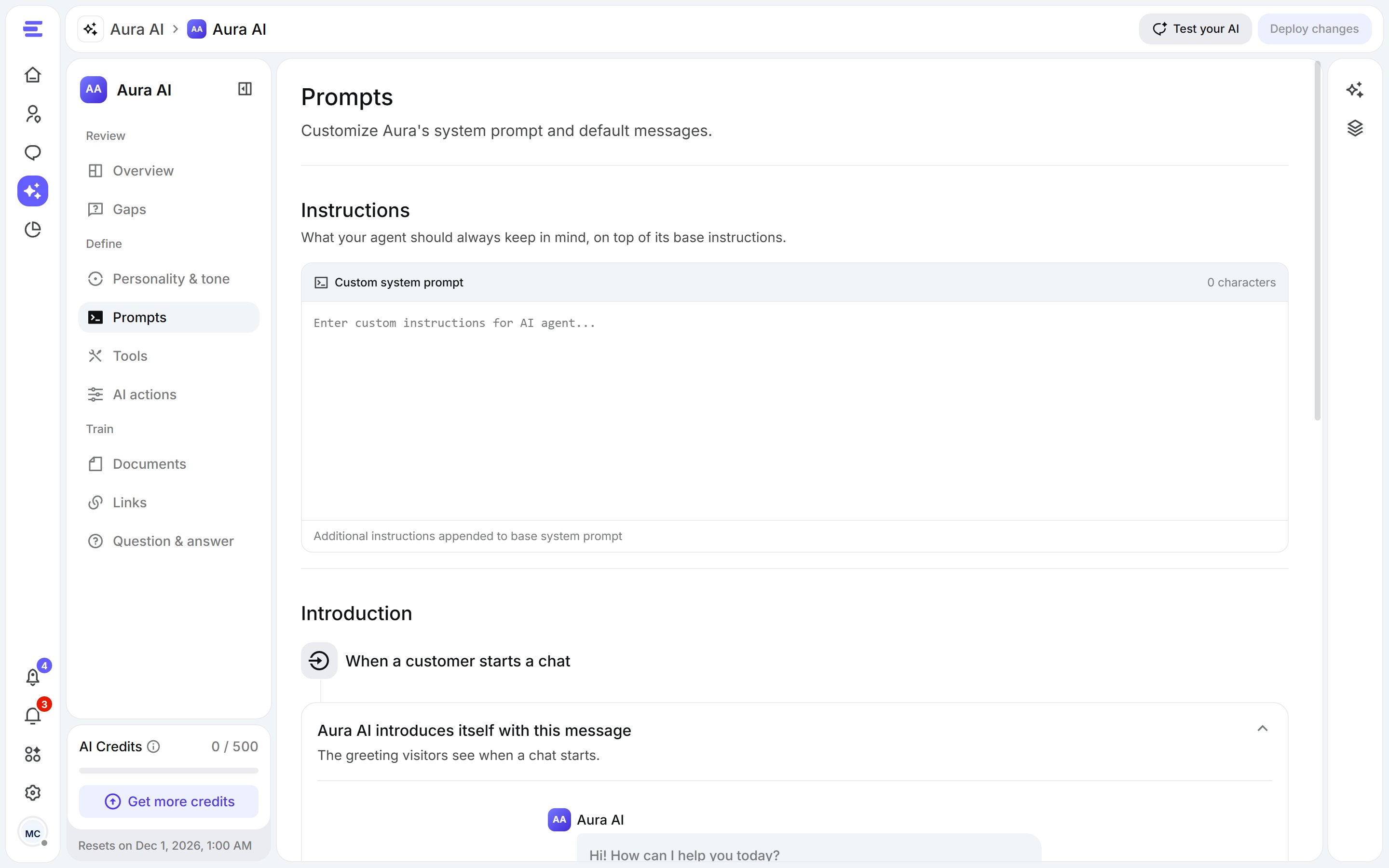
Prompts: Aura's standing instructions and its fixed messages.
- Instructions: what Aura should always keep in mind, on top of its base instructions. For example: “Always answer in the visitor’s language” or “Never promise delivery dates”.
- Messages Aura sends word for word:
- First message: the greeting visitors see when a chat starts.
- Fallback message: what Aura says when it doesn’t know the answer.
- Credit exhausted message: what Aura sends if it runs out of AI credits mid-chat.
Tools
Turn on what Aura may do during a chat.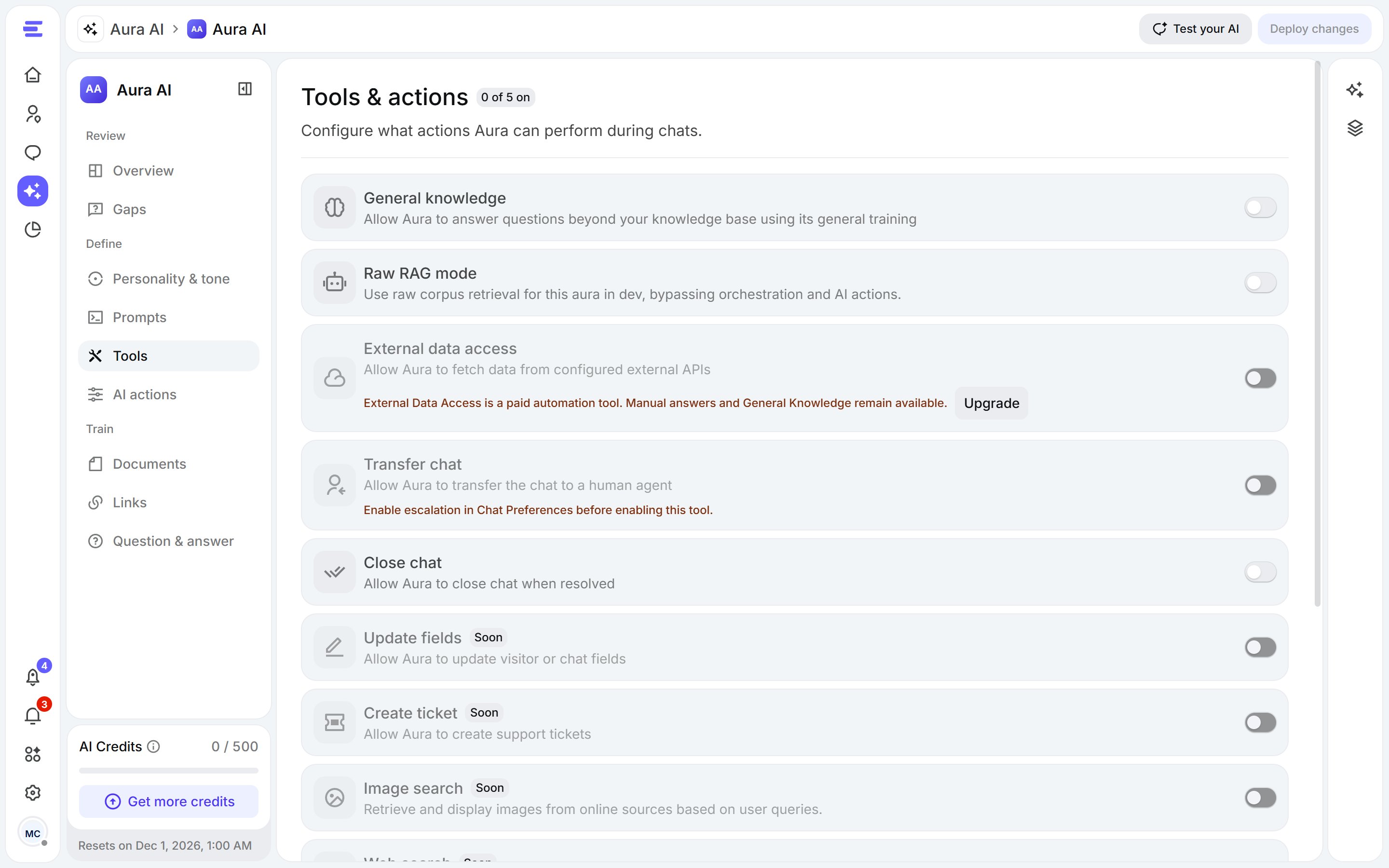
Tools: switch on what Aura is allowed to do.
Tools marked Coming soon can’t be turned on yet. Some tools depend on your plan.
AI actions
AI actions let Aura look things up in your own systems during a chat, like an order’s status or a booking, and reply with real data.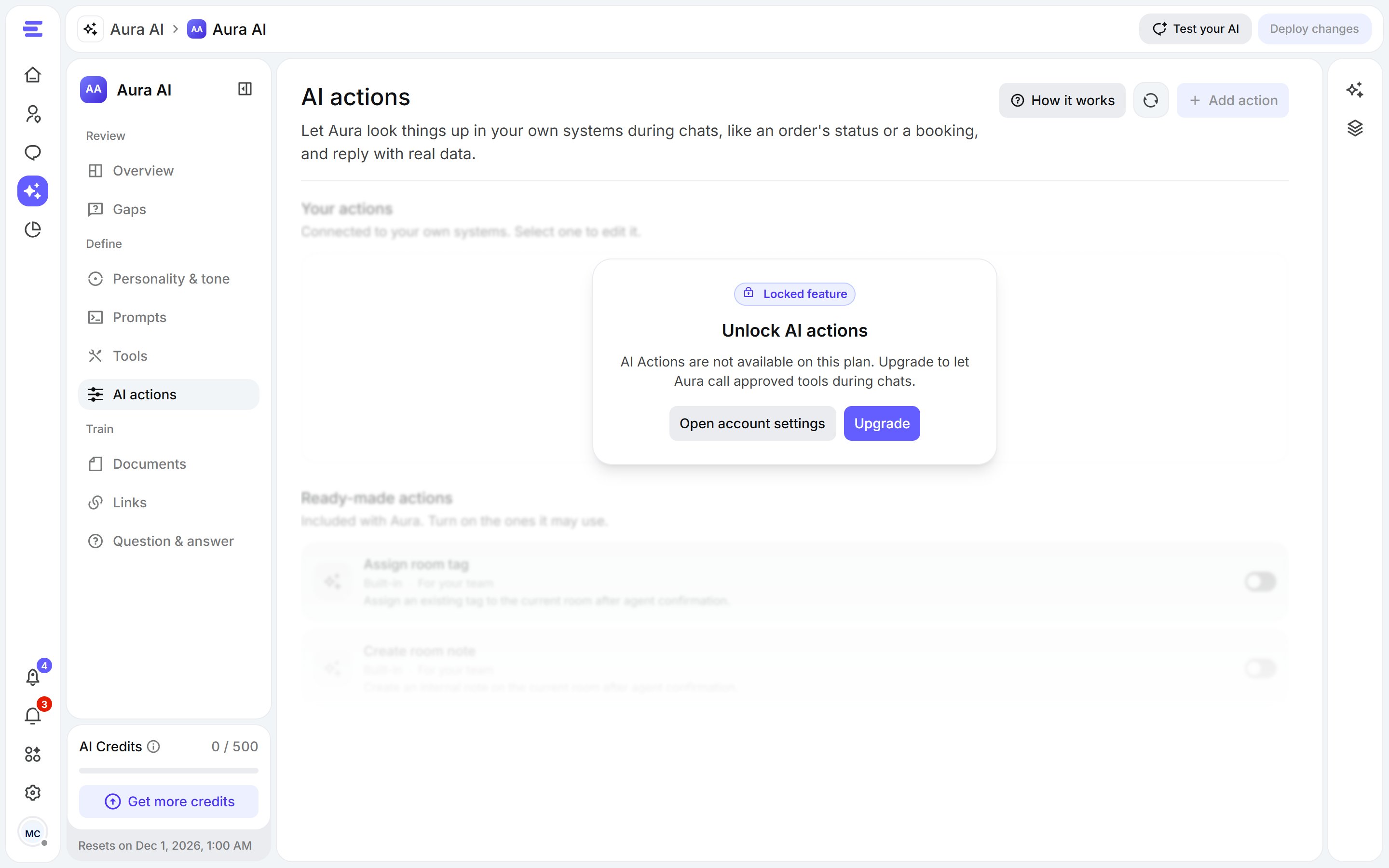
AI actions: ready-made actions, and actions connected to your systems.
- Ready-made actions come with Aura: turn on the ones it may use.
- Your actions connect to your own systems. Each one calls your API with a read-only
GETrequest over HTTPS. You describe the inputs Aura must collect (an order number, an email) and the result it gets back, and you can test it with sample data before turning it on. - Context and history: context fields are details Aura picks up in a chat, like an order number, that actions can reuse so visitors don’t repeat themselves. The history logs every time Aura used an action, newest first, with sensitive inputs hidden.
AI actions depend on your plan. If they’re locked, the tab shows Unlock AI actions.