

Test in the playground
The playground is a private chat with your agent. Use it to check answers before visitors see them: nothing you send there reaches your inbox or counts as a visitor chat.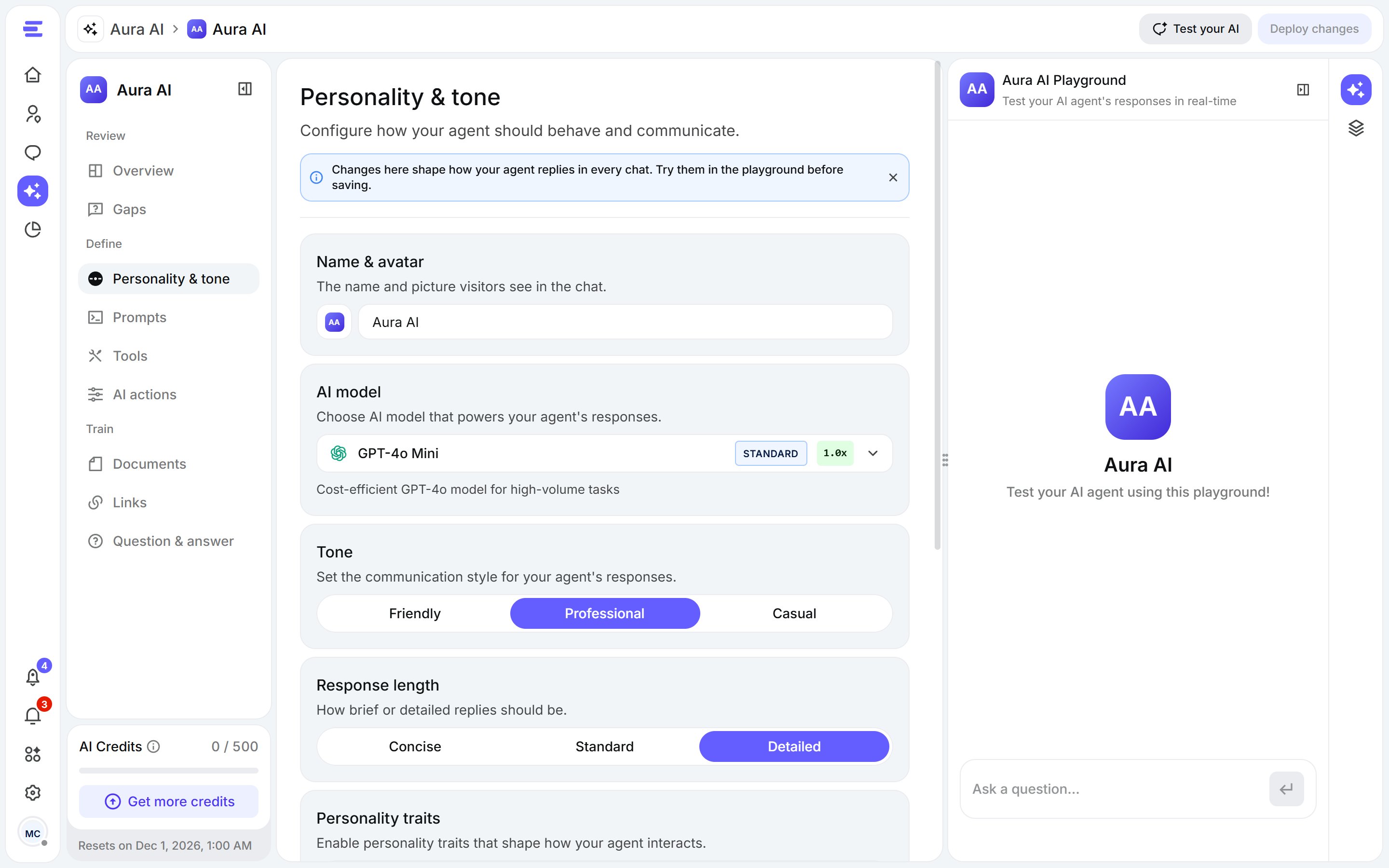
The playground, in the agent's side panel.
- Open an agent from Aura AI. Click Test your AI at the top of the page, or the playground icon on the right, to open the playground in the side panel.
- Ask a question your customers often ask.
- Change a source, a prompt or a setting, then ask again.
Overview
Overview, under Review, shows how the agent is doing: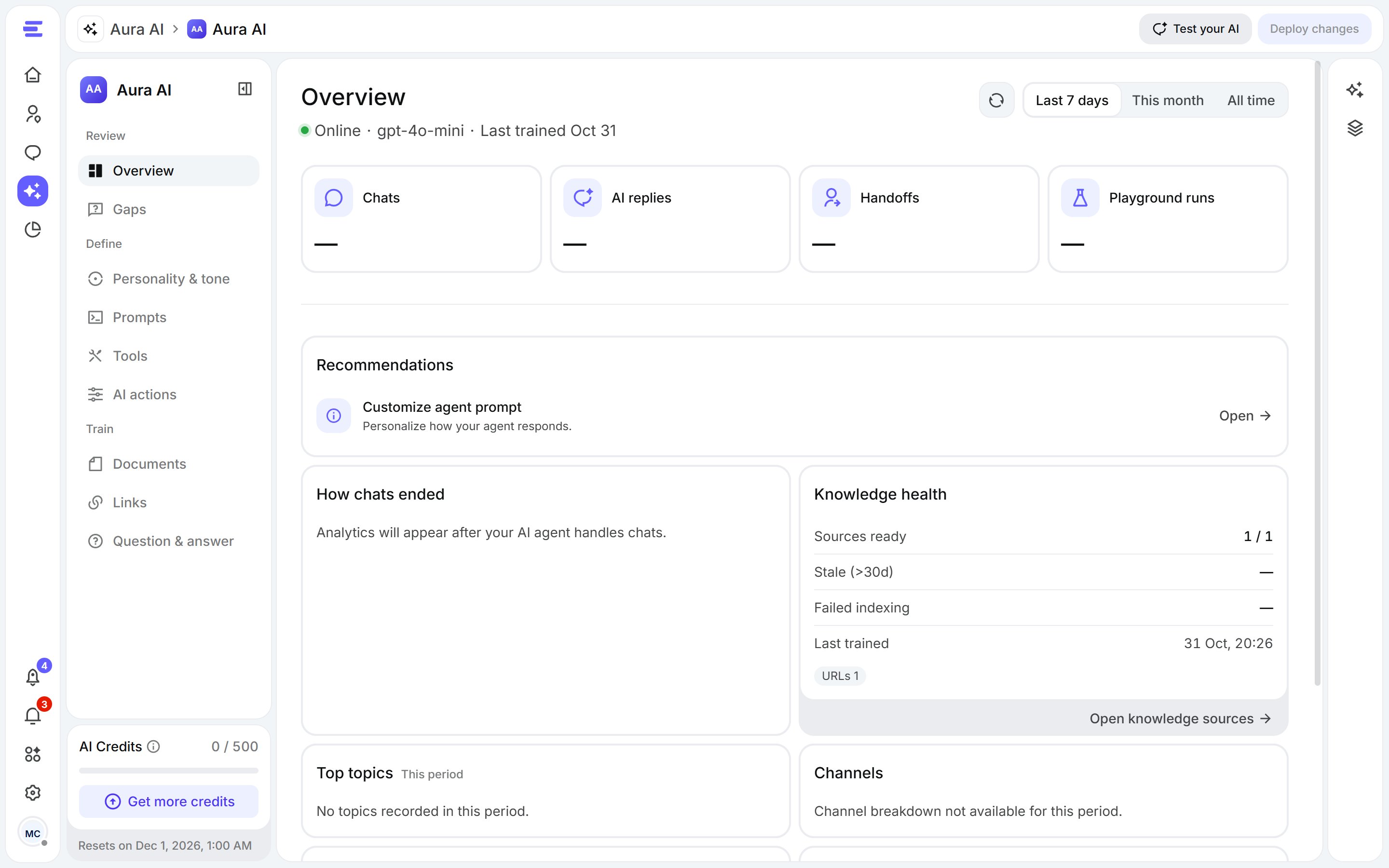
Overview: knowledge health, topics, credits and what to do next.
- Knowledge health: the state of the agent’s sources.
- Top topics: what visitors ask about most (appears once Aura has handled chats).
- AI credits: what the agent has used.
- Channels: where its chats came from.
- Recommendations: the next things to fix, such as enabling the agent, adding sources, retrying sources that failed, refreshing stale ones or answering knowledge gaps.
Knowledge gaps
Gaps lists visitor questions Aura didn’t have enough knowledge to answer, with how many times each was asked and when it was last seen. Sort them by Most frequent or Most recent. Fixing them makes Aura better over time.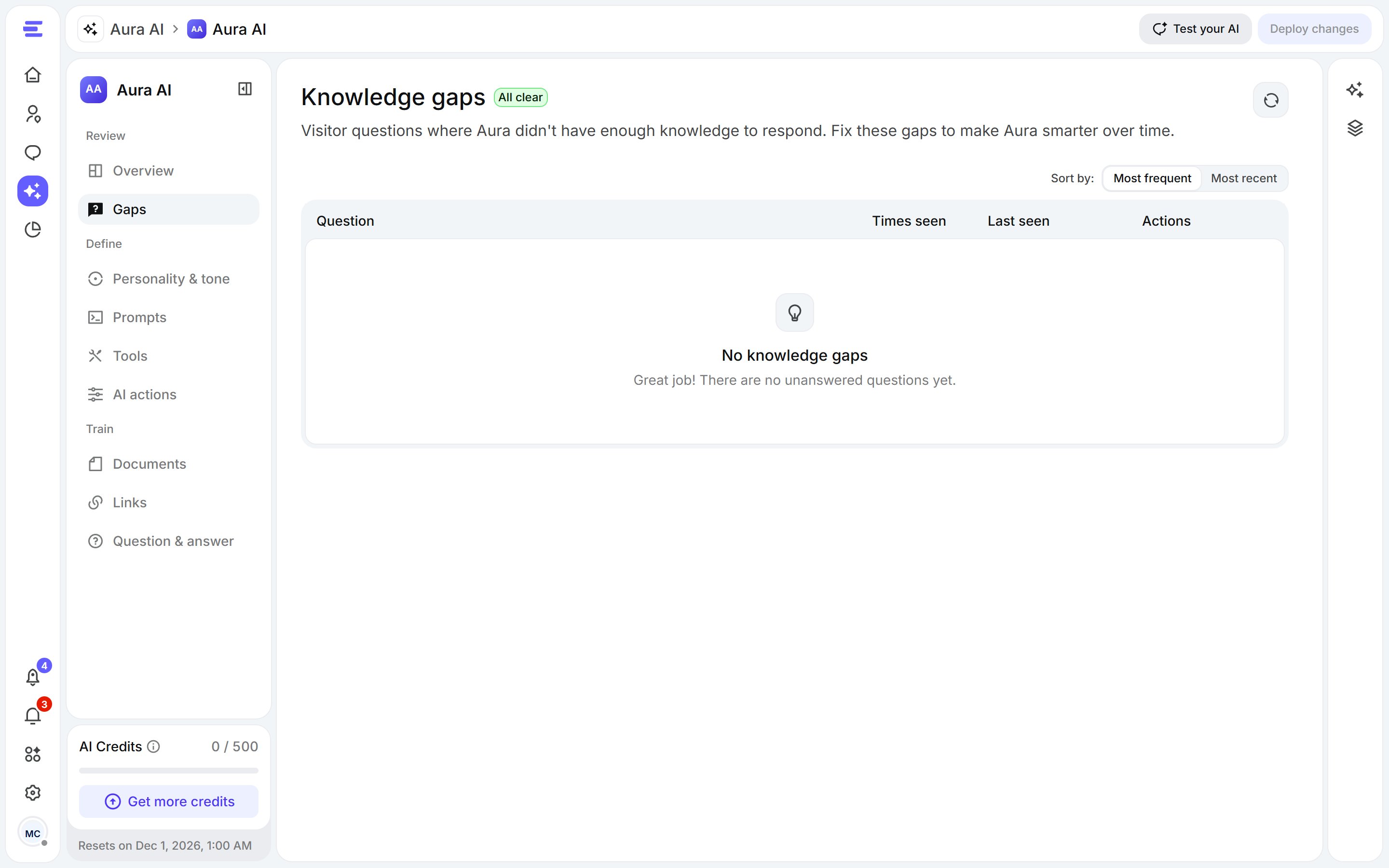
Gaps: the questions Aura couldn't answer.
- Open Gaps and pick a question to resolve.
- Write the answer Aura should give the next time someone asks. You can refine the question first.
- Click Save answer to resolve the gap.