

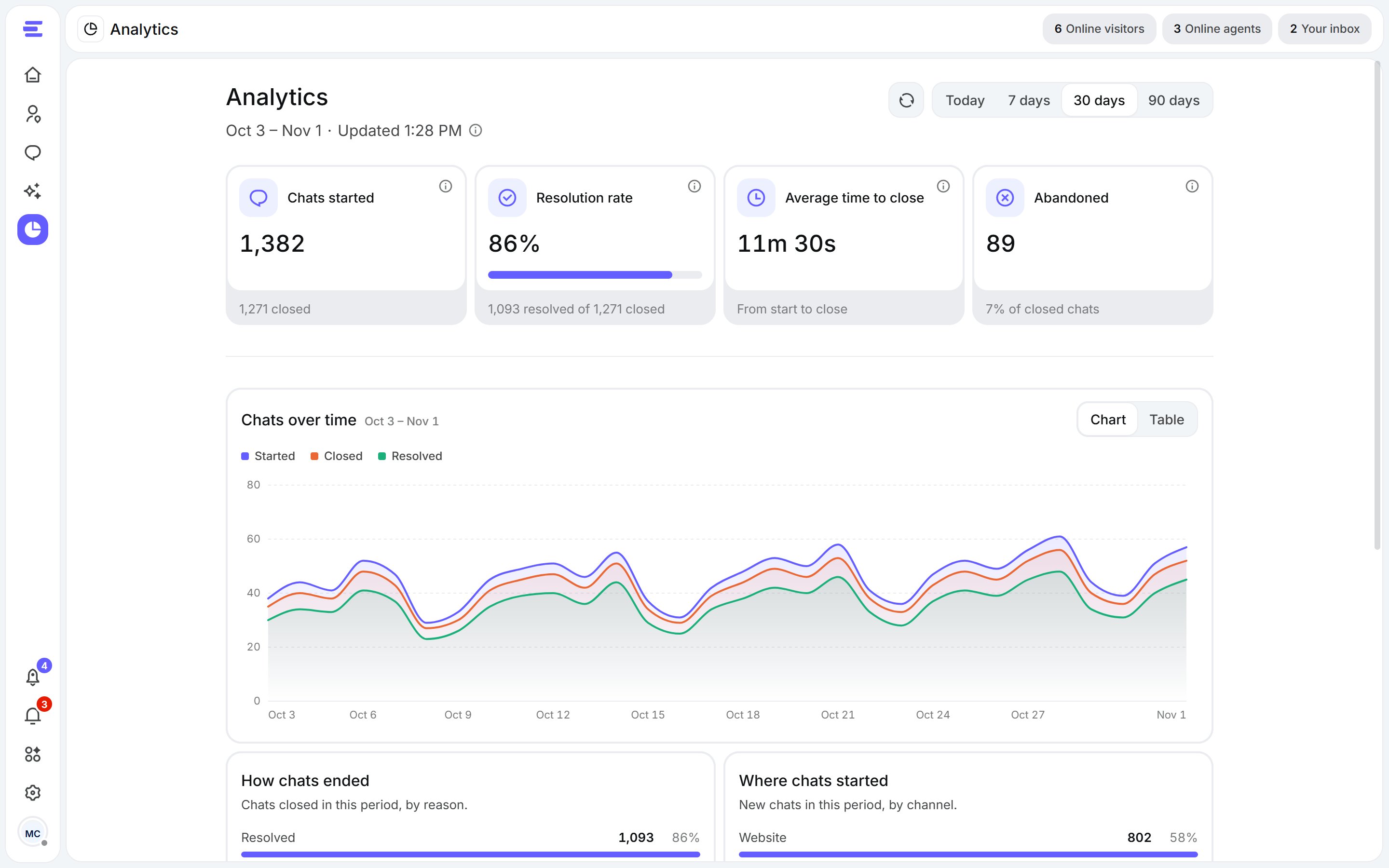
Analytics: right now, the period's key numbers, and the charts behind them.
Right now
A live snapshot of open chats:- Open chats: visitor chats open at this moment.
- Waiting for a teammate: open chats that need a teammate and don’t have one yet.
- With your team: open chats a teammate is handling.
- With Aura only: open chats Aura is handling on its own.
Key numbers
Pick a period at the top of the page. Hover the info mark on any number to see exactly what it counts.Charts
- Chats over time: how many chats started each day.
- How chats ended: chats closed in the period, by reason.
- Where chats started: new chats in the period, by channel.