

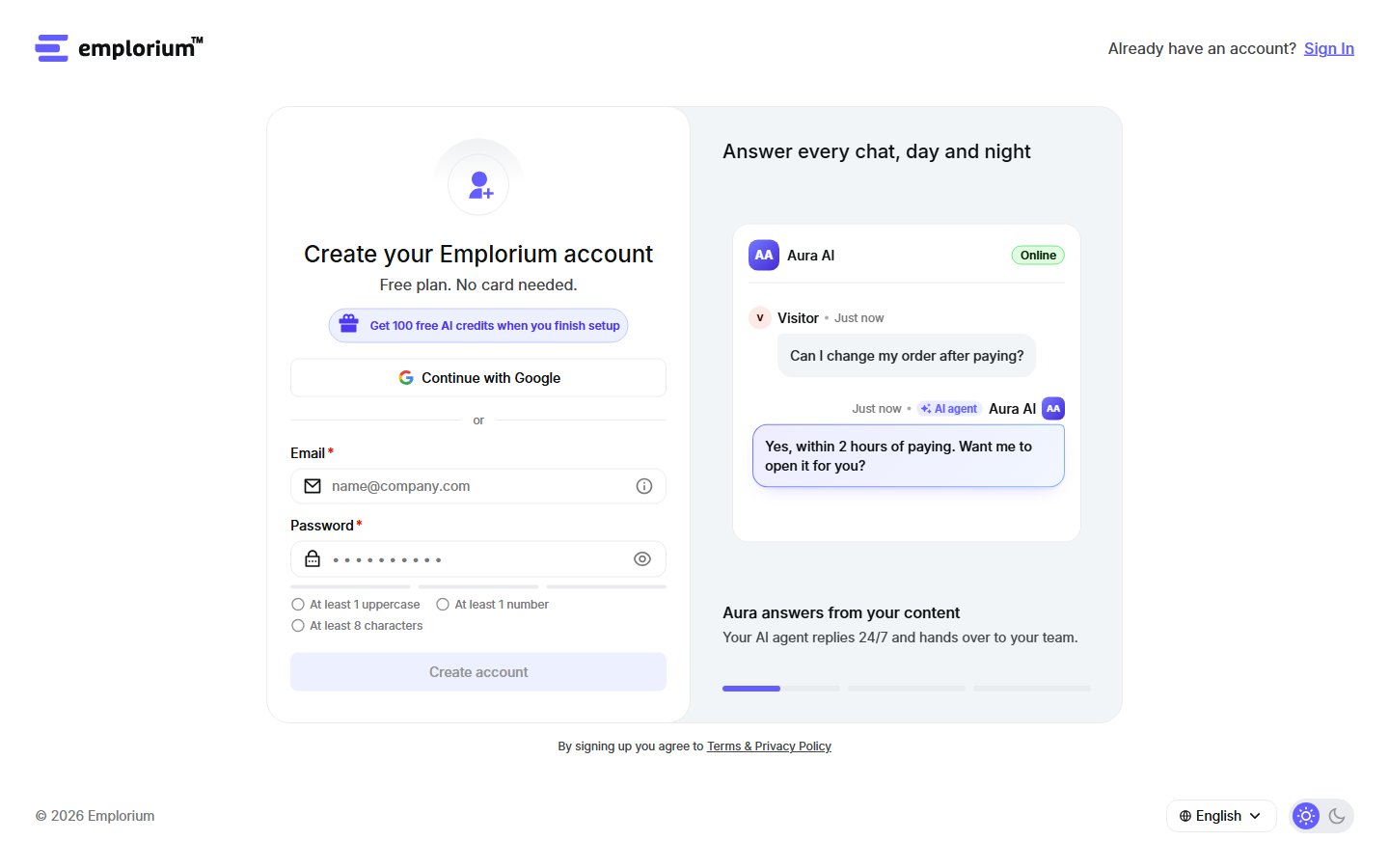
Sign up with Google, or with your email and a password.
Sign up
1
Open the sign-up page
Go to app.emplorium.io/signup.
2
Choose how to sign in
Click Continue with Google, or enter your first and last name, email and a password, then click Create account. The form lists what your password needs as you type it.
Finishing setup earns 100 free AI credits that never expire. See Setup guide and AI credits.
Set up your workspace
Right after sign-up, three short steps get your workspace ready. You can go Back at any time; the steps can’t be skipped as a whole.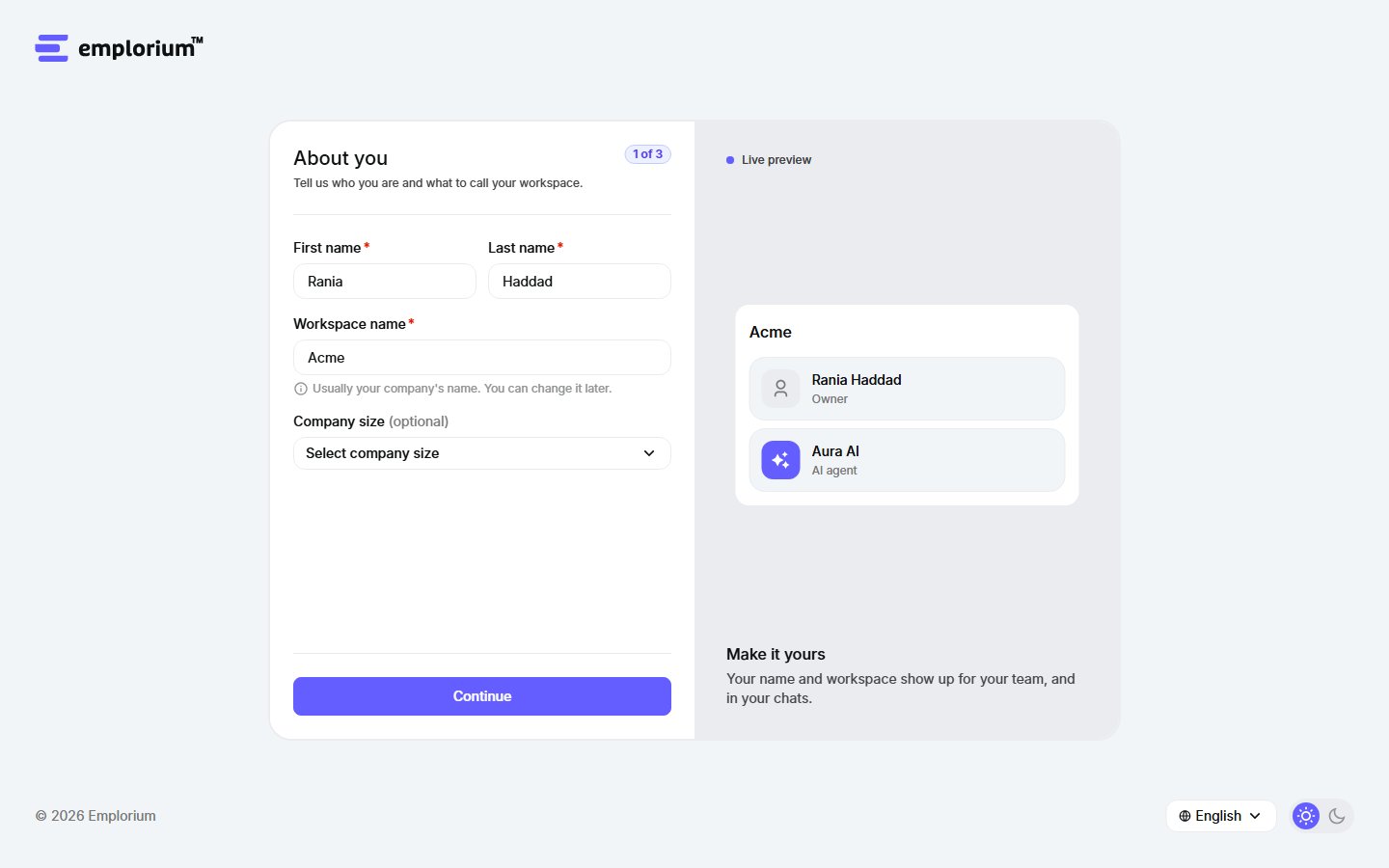
Each step shows a live preview of your workspace on the side.
1
About you
Add your first and last name, your workspace name (usually your company’s name; you can change it later) and your company size. If you signed up with a company email, the workspace name is filled in for you.
2
Your goal
Pick what brings you to Emplorium: AI self-service, Customer support or Sales & lead generation. Your setup checklist is ordered around it. Every feature stays available whatever you pick.
3
Teach Aura
Add your website so Aura can learn from it and answer your visitors. No website yet? Click Skip for now. You can also opt in to product emails here (off by default). Click Create my agent to finish.
Aura AI builds itself
If you gave a website, Emplorium builds your first AI agent, Aura AI, while you watch:- Creating Aura AI: your AI agent, on our default model.
- Adding your website: Aura reads this page first. You can add more pages later.
- Starting to learn: takes a minute or two, and you can keep going meanwhile.
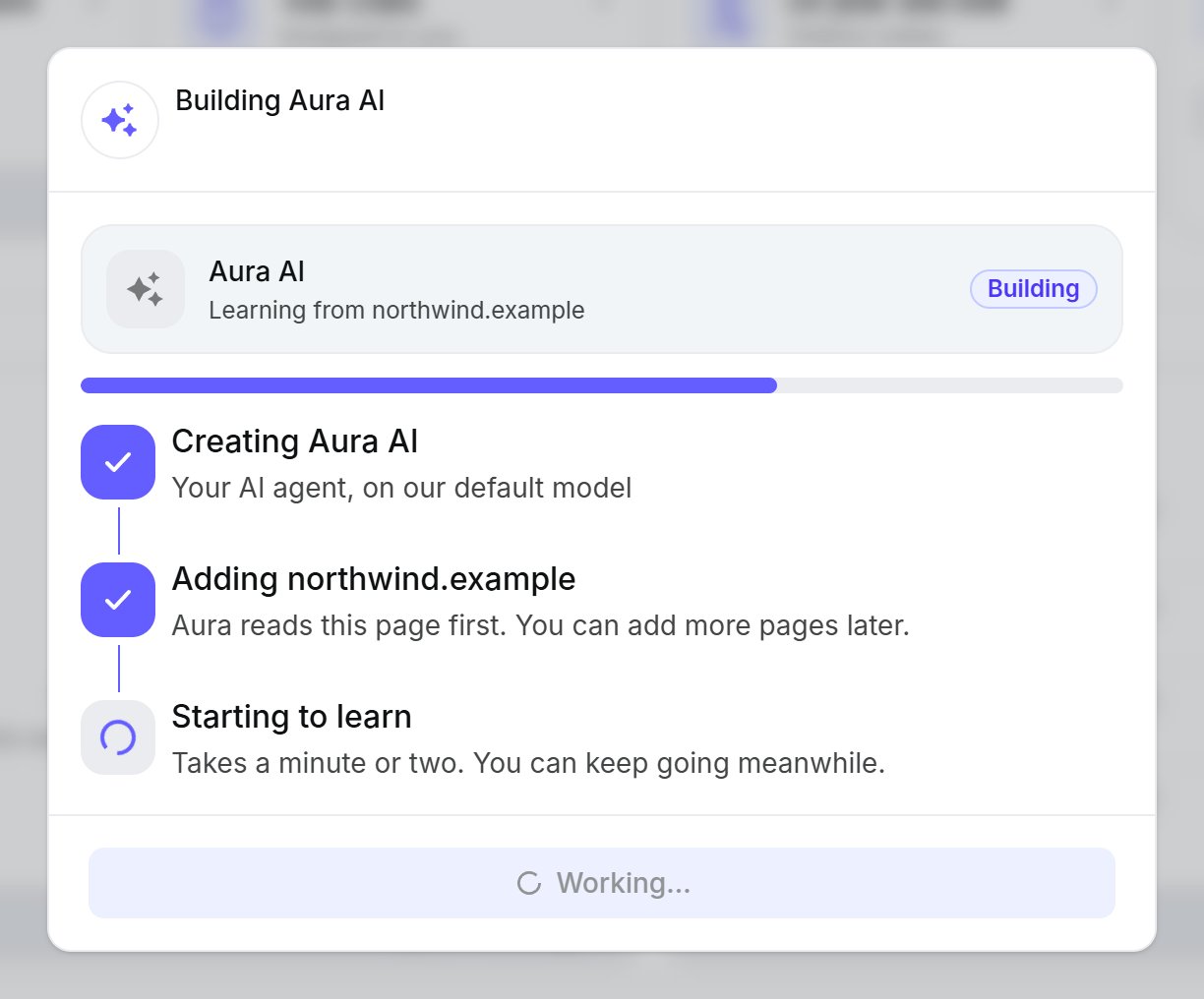
Building Aura AI from your website.
Joining a team
If a teammate invited you, open the link in your invite email. You only set up your own profile (name and job title); the workspace is already there. Learn more about inviting teammates.Next steps
Follow the setup guide
A few steps to start answering visitors, and 100 free AI credits.
Install the chat widget
One snippet on your website, and visitors can chat with you.