

How credits work
- Included credits come with your plan and reset each billing cycle.
- Purchased credits come from credit packs (and from the setup reward). They never expire.
- A simple answer on the default model uses about 0.5 credits, so 100 credits is about 200 answers.
Buy credits
- Click Get more credits (on the Aura AI page) or open Settings › Add-ons.
- Pick a credit pack, or choose a custom amount.
- Confirm the one-time charge. The credits are added straight away and never expire.
Auto-reload
Auto-reload buys more credits automatically when your balance runs low, so Aura never stops mid-chat. Turn it on from Settings › Add-ons: choose the balance that triggers a top-up and the amount to top up to. Once it’s on, the page shows your rule, for example Top up to 500 when your balance is 50 AI credits.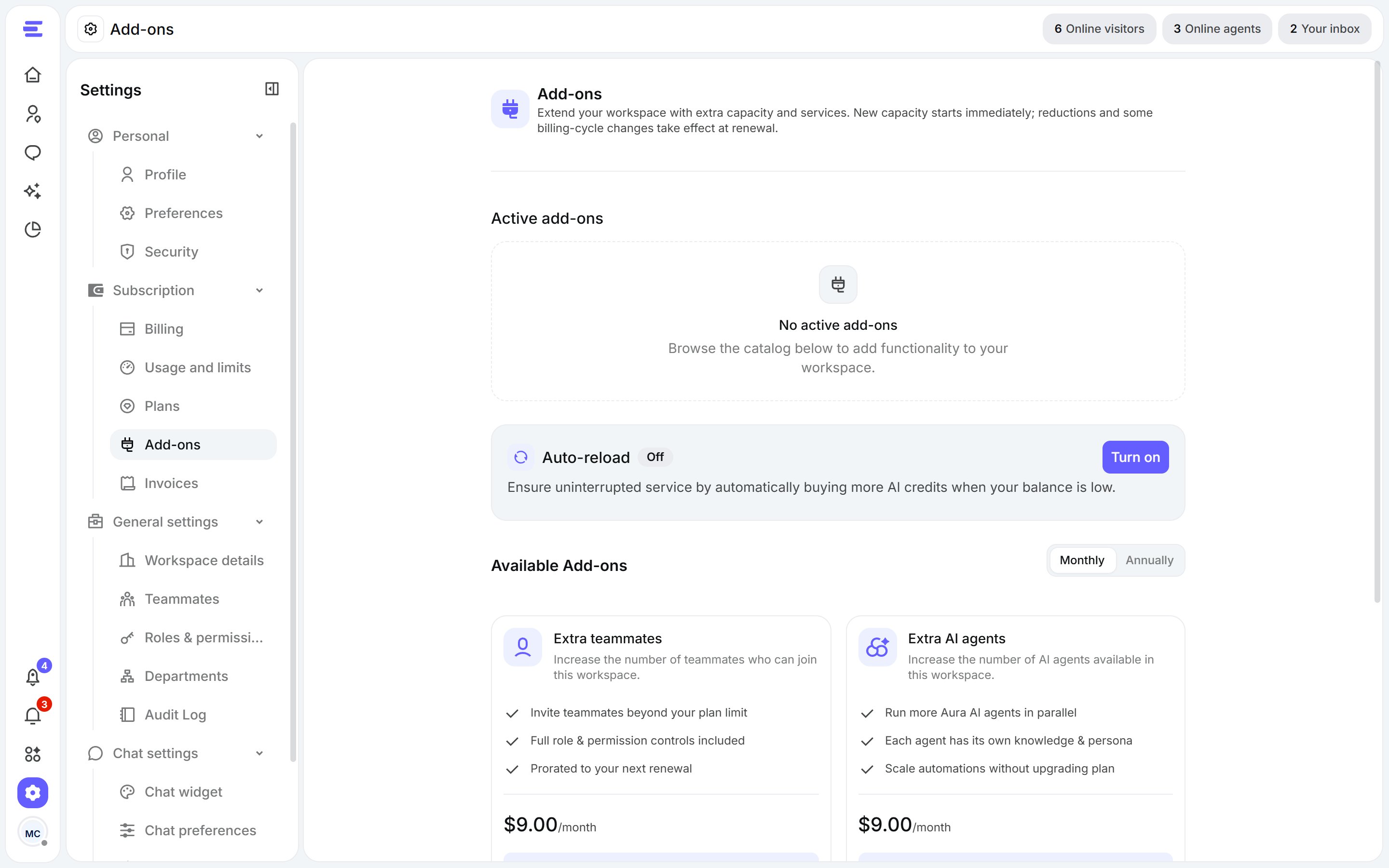
Settings › Add-ons: your credit balance, active add-ons and the catalog.
Add-ons
Add-ons extend your workspace without changing your plan. Find them in Settings › Add-ons:
New capacity starts straight away. Active add-ons lists what you have, with any scheduled change.