

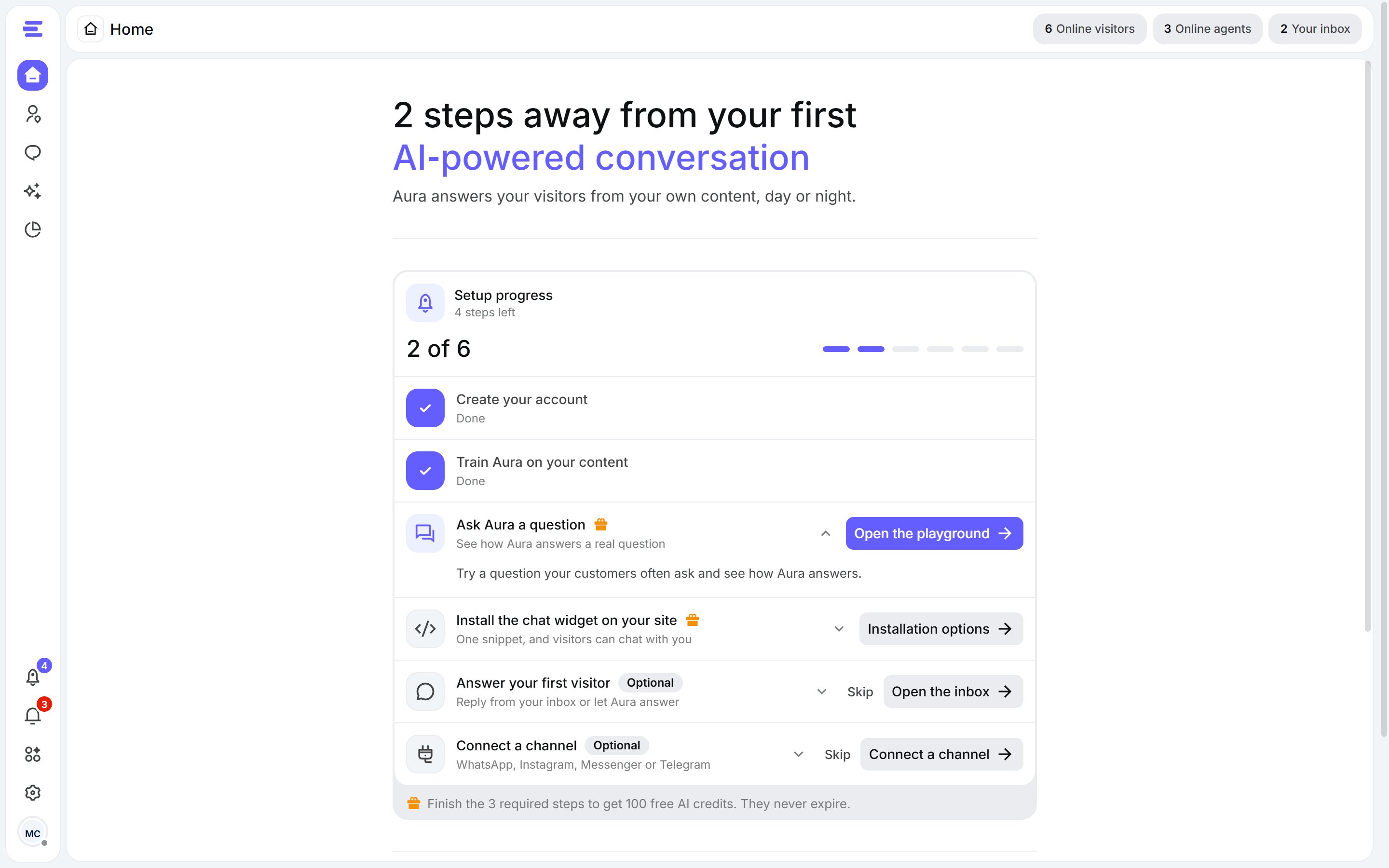
Home during setup: your progress, then every step in one card.
The steps
The guide orders the steps around the goal you picked when you created your account. Click a step to open it: each one explains what to do and lets you do it right there.
Required steps carry a gift mark. Optional steps can be skipped, and brought back with Undo.
Steps tick themselves: when you add a source, test Aura or the widget goes live, the guide updates on its own, even if you did it from another page.
The guide follows you
Besides Home, the rocket button at the bottom of the left sidebar opens the same steps in a panel from any page. Its badge shows how many steps are left.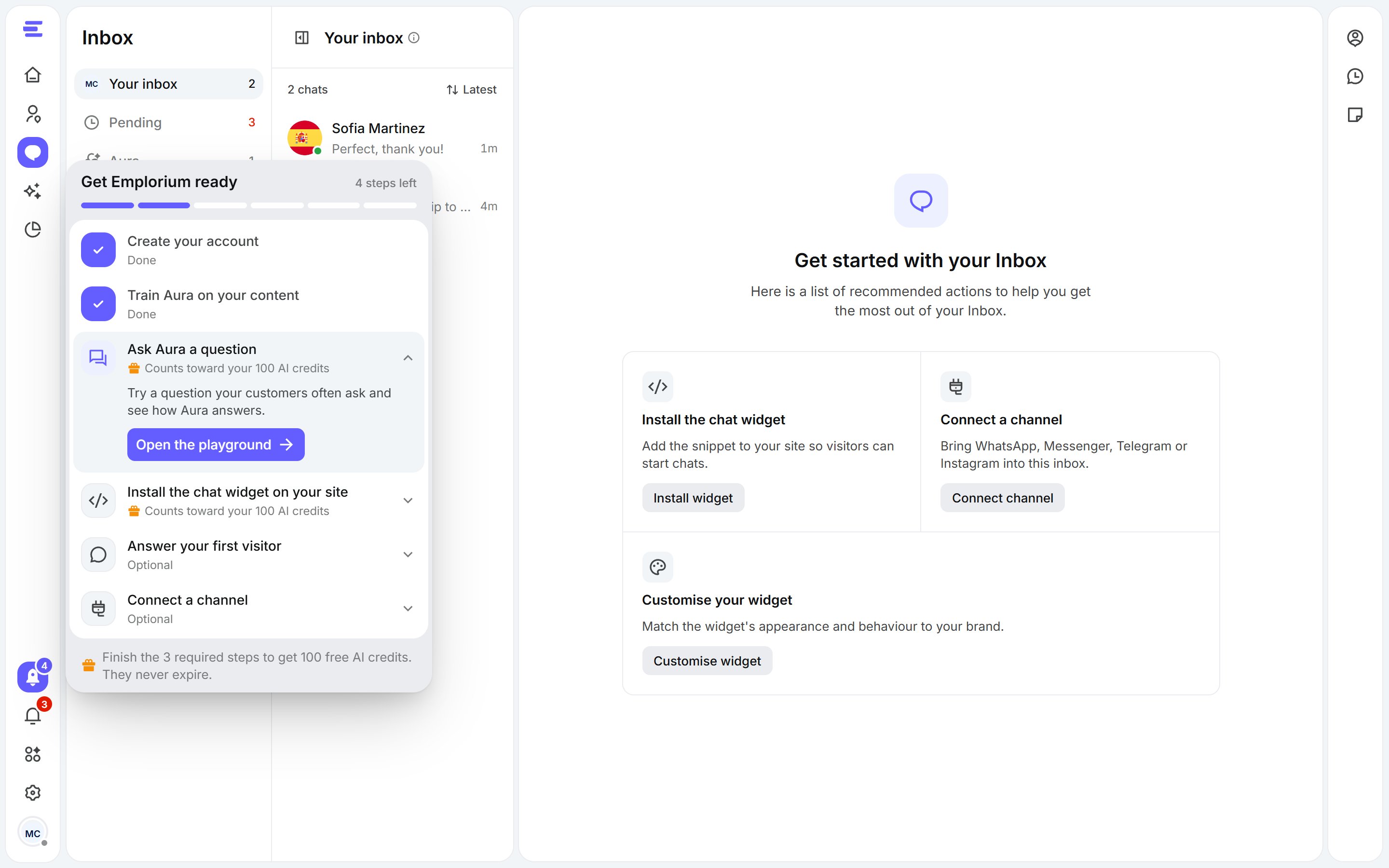
The setup panel, opened from the rocket button.
Get your 100 AI credits
- Finish the three required steps: Train Aura, Ask Aura a question and Install the chat widget.
- Verify your email: open the link we sent when you signed up. Didn’t get it? Click Resend verification email under your progress. Google sign-ins are already verified.
- The credits are added automatically, and a celebration tells you so.
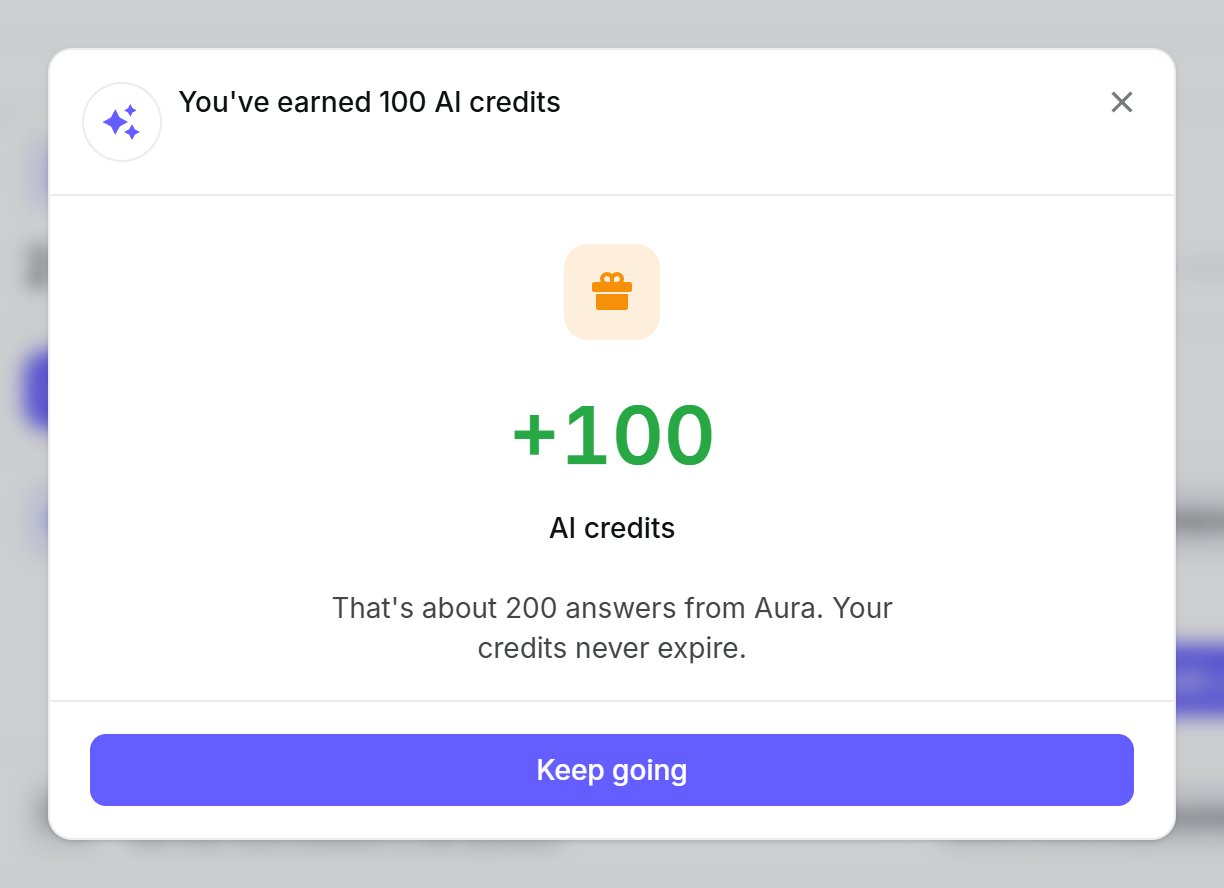
The credits land in your balance as soon as the last step is done.
Your workspace is ready
Once the required steps are done, Home goes back to its usual dashboard with a Your workspace is ready card listing anything optional you haven’t done yet. Close it with the × when you’re finished; it won’t come back.The setup guide is for the workspace owner of new workspaces. Teammates you invite don’t see it.